To get access to the Information classifier© add-in for Sparx EA, please add requested information in the fields below. Once finished, a download link will appear below the Finish button.
Current version: 1.1.7
Changes since 1.1.6
- Improved customization possibilities
Pre-requisites:
- Sparx EA (around 300 Euro )
- .Net Framework, version 4.5.2 (commonly available on Windows systems)
- Currently, the software is tested and verified on MS Access and SQL server repositories
Good luck with the classification of your organization information. Please read the installation instructions below.
Best regards, Thomas Gericke
CEO THIN2K
Installation instructions
Overview of steps:
- Unzip downloaded file
- Install the binary
- Register Sparx EA technology
Step 1 – Unzip downloaded file
Unzip the ”Information classifier setup.zip” file using your favourite unzipping tool. The easiest way is to right click on the file and choose ”Unzip all…” and follow the instructions in Windows.

Image: Zipped file together with unzipped content
Step 2 – Install the binary
Double click the ”Setup.exe” file and follow the installation guide. The installation will create a folder in ”C:\Program Files (x86)\THIN2K\Information classifier” with all the necessary files if the user does not change the default setting.
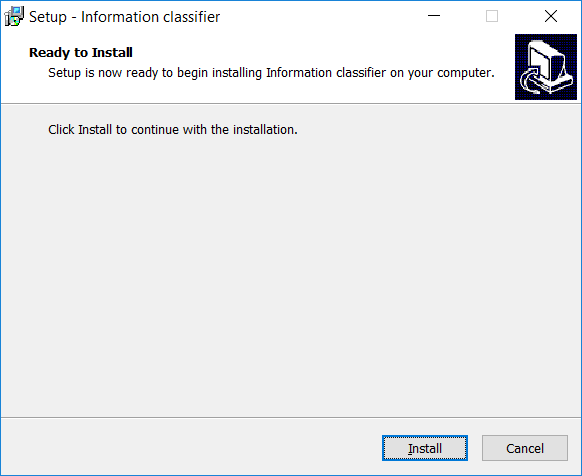
Image: Installation start
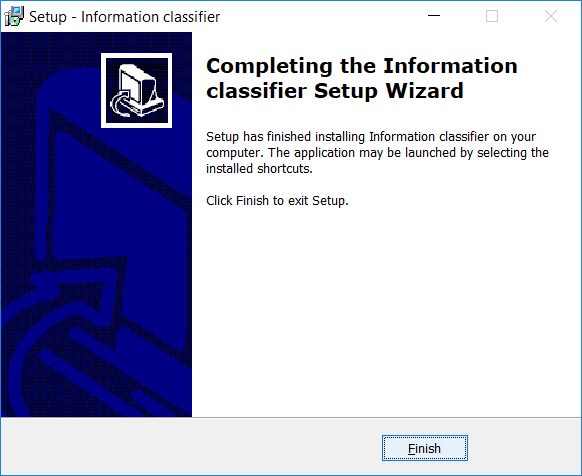
Image: Installation finish
Step 3 – Register Sparx EA technology
Start Sparx EA and add a path to the installation folder in the Technology manager. This operation makes the Sparx EA technology (MDG) available to the tool. Upon a correct setting of the path, a new technology called ”Information classifier” should appear in the list and be selected/checked.

Image: Sparx EA technology manager with highlighted areas